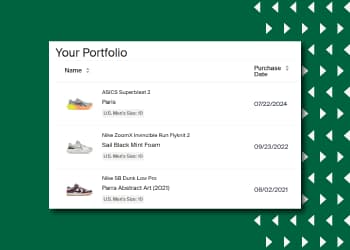


Great news for StockX Sellers! You can now get a full picture of the past two years of your sales history in CSV format from StockX Pro.
How it Works:
- Navigate to your sales history page on StockX Pro
- Click the “Export History” button above the table
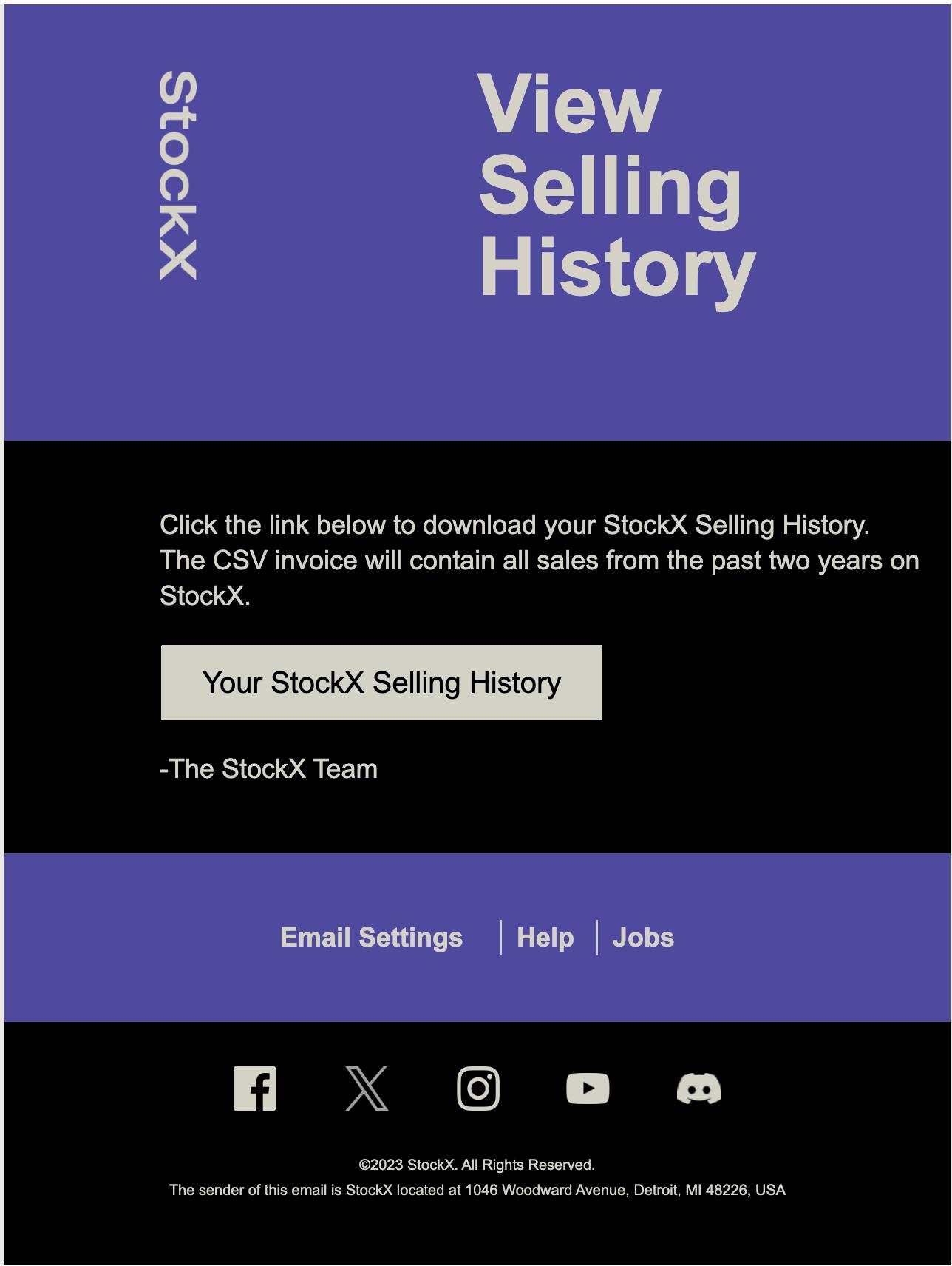
- You will receive an email titled “Your Selling History Is Ready” in a couple of minutes with a link to download your sales history. See below for an example:
To learn more about StockX Pro, visit our Help Center.