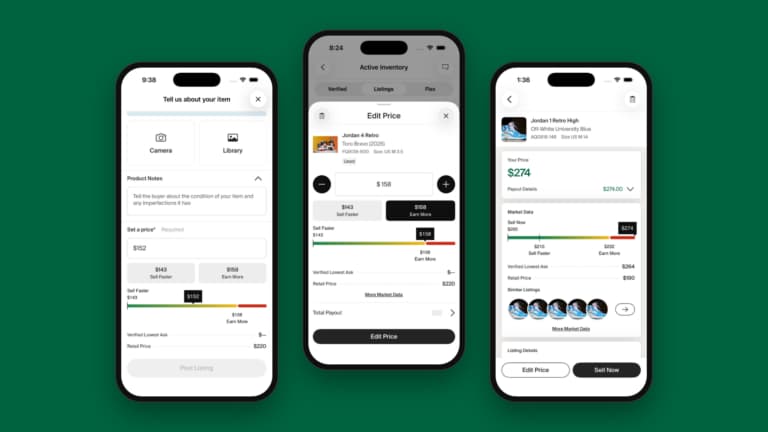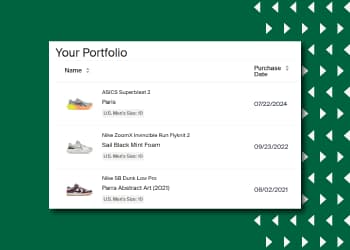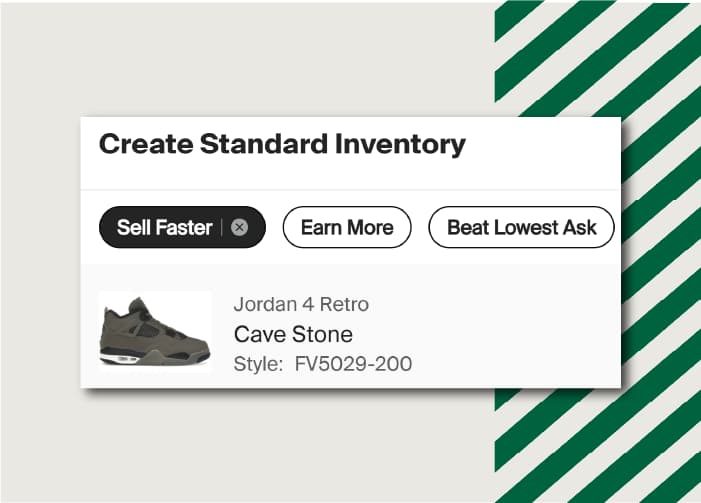



Flex is a selling tool from StockX where eligible sellers can store, list, and sell products using StockX Pro. Once a sale is complete, StockX will fulfill the order directly from the Verification Center or warehouse authorized by StockX to buyers with expedited shipping.
For more information on how to use StockX Pro, please visit our “Using StockX Pro” series.
Sellers in the Flex program enjoy lower seller fees, and sale prices are higher than standard marketplace sales on average. Plus, StockX will securely store your inventory with Flex. Because your products are already verified once they sell, you’ll get paid daily as we process your orders.
To Get Started With Flex:
- Go to https://pro.stockx.com
- Log in with your StockX credentials.
Navigate to the Flex > Inventory page and accept the Flex Terms and Conditions.
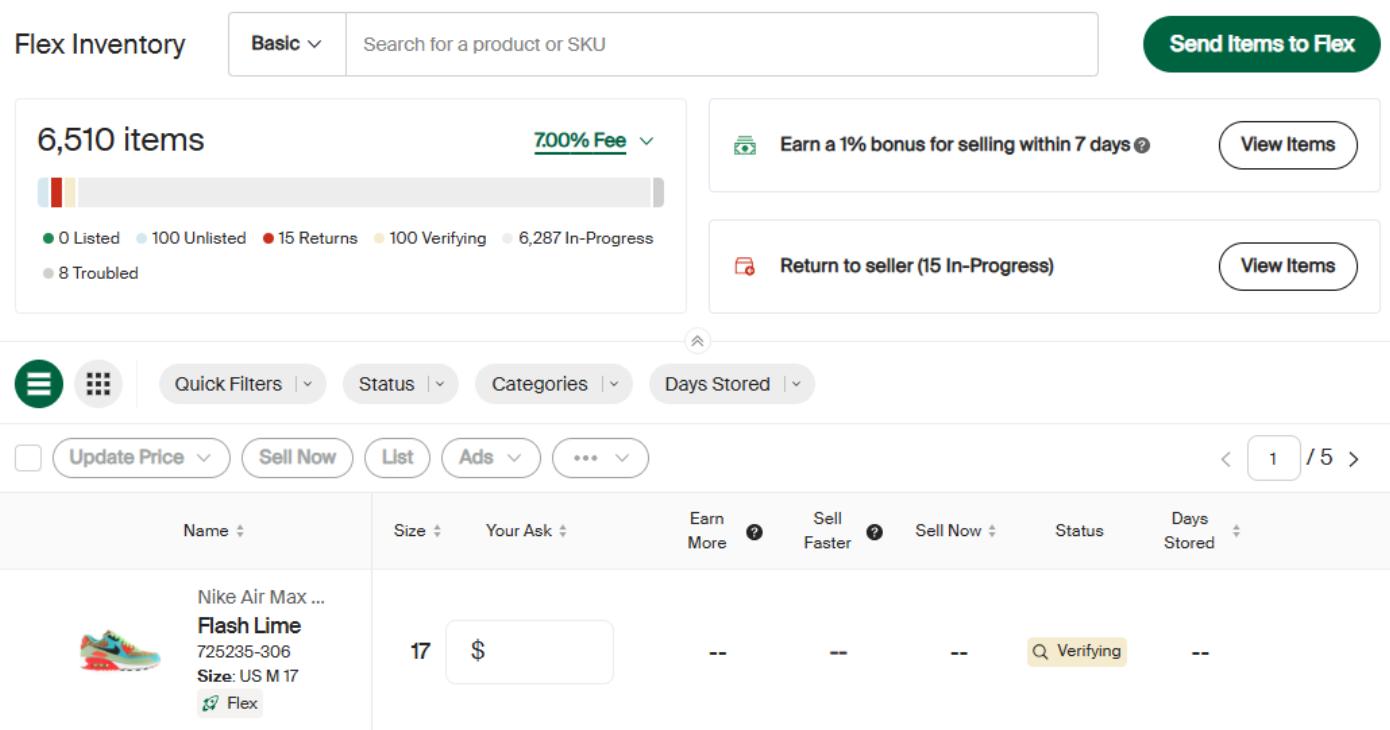
New User Tips:
- StockX Pro, including Flex, works best on a desktop or laptop web browser.
- For best results, ensure your browser is up to date.
- Use the Help Widget if login issues occur.
- For eligibility, Flex fees, and other information, please visit our Help Center article: What is Flex?
Next, we will cover how to ship your products into Flex storage.