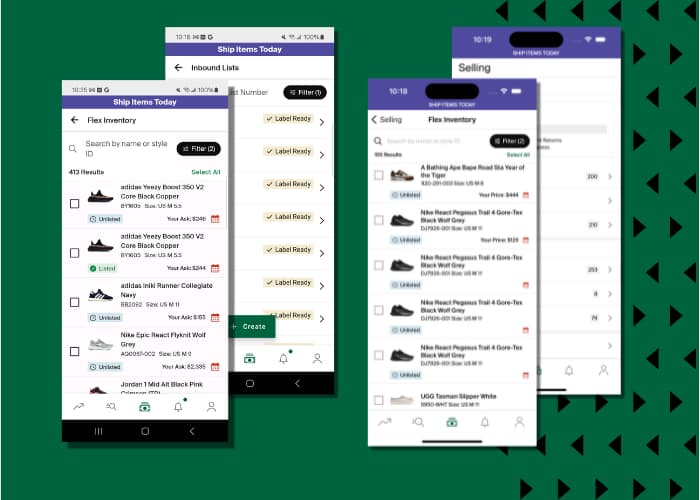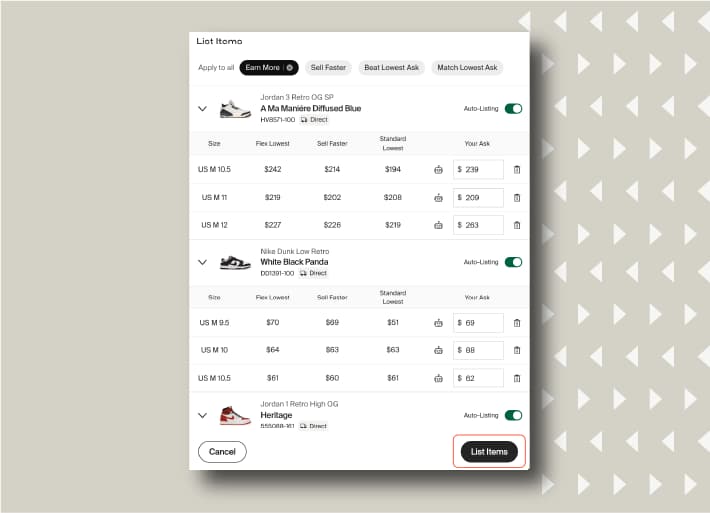


Sellers in the Flex programme enjoy many benefits including faster payouts and lower fees compared to standard listings. For the latest information on specific fees including seller fees, discounts, fulfilment fees, storage fees and return fees, please visit our Help Centre article: What is Flex?
- Payouts are issued daily for all verified orders. As Flex products are pre-verified as soon as they arrive at our Verification Centres or StockX-authorised warehouses, you are paid out on the same day that your product is sold.
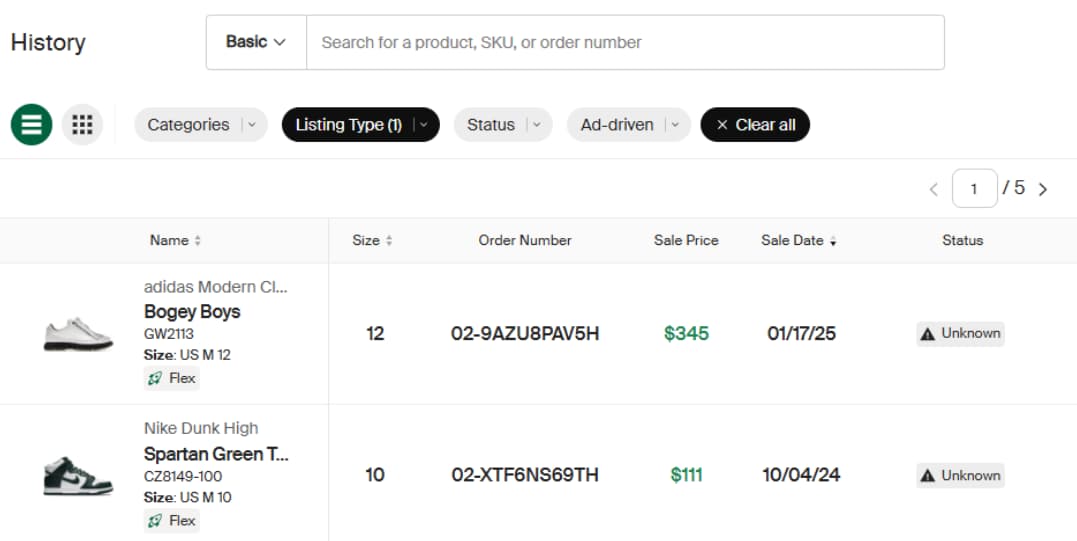
- View payout history in the History tab on StockX Pro.
- Orders in Flex are subject to seller fees and Flex fulfilment fees. You can view your current Flex fees in the “Seller Profile” section of StockX Pro by clicking the Seller Level row.
Products may also be subject to storage fees if they are in Flex for a certain period of time. To see specific Flex fees, visit our Help Centre.
Fee Details:
- Fees are charged monthly.
- Fee amounts vary by country and length of storage.
Where to Find your Fee Details:
- On the StockX Pro “Finances” Page (include hyperlink)
- You will also receive your invoices by email.
Tips on How to Avoid Fees:
- Review inventory pricing regularly to remain competitive.
- Use pricing tools such as Sell Faster and Suggested Price.
- Use Sponsored Asks to promote your products in front of StockX buyers all over the world. See here for more information about our Sponsored Ask programme.
- Finally, sellers can reclaim products at any time. A return fee is charged per product.
Next, we’ll walk through the process for returning a product from Flex to you.