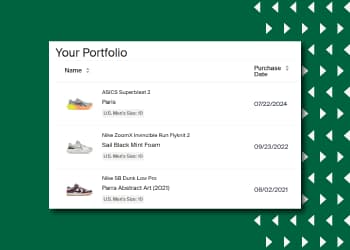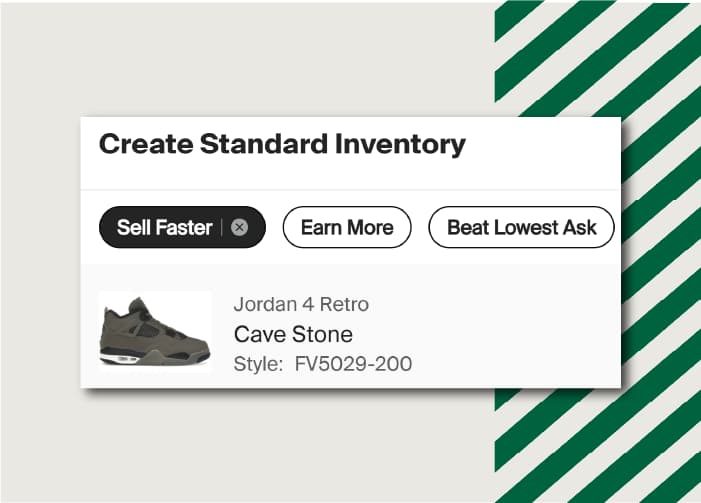


If you’re looking to take your selling on StockX to the next level, StockX Pro is the tool for you! StockX Pro is an interface separate from the standard stockx.com experience, and includes functionality tailored towards higher-volume sellers, including bulk listing, bulk shipping, and the ability to manage hundreds of items at once.
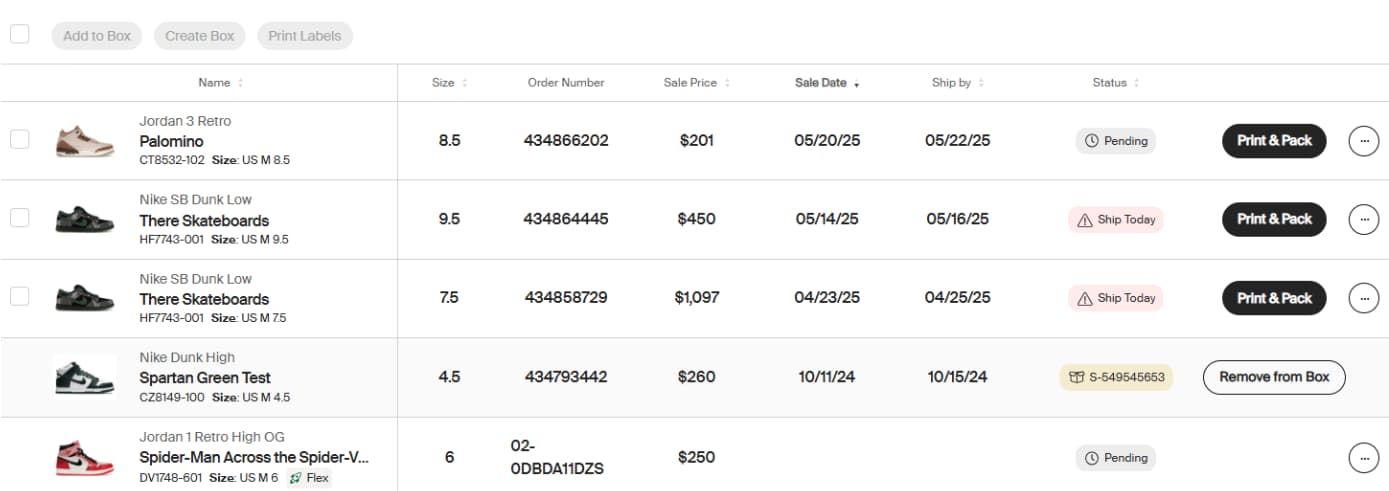
Manage your listings in bulk with StockX Pro
We’ve created a guide to help you get started on StockX Pro. Check it out here, or learn about each topic covered below:
- Creating a Listing
- Viewing Market Data
- Product Views & Filtering
- Updating Your Ask
- Bulk Updating Your Listings
- Managing Your Sold Orders
- Bulk Shipping
- Viewing Your Sales History
StockX Pro also unlocks additional selling tools for eligible users:
- Flex is a program where eligible sellers can store, list, and sell items using StockX Pro. Once a sale is complete, StockX will fulfill the order directly from the Verification Center or warehouse authorized by StockX to buyers with expedited shipping. Visit our Flex page for more info.
- Sponsored Asks allow sellers to promote their listings to our 40M+ monthly users across the StockX website & mobile app. Set a budget based on how many items you want to advertise and only pay when a Buyer clicks on your Ad. Plus, StockX will only show your Sponsored Ask when you are the Lowest Ask. Learn more at our Sponsored Asks page.