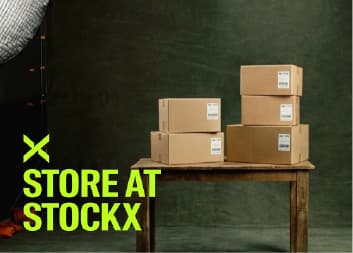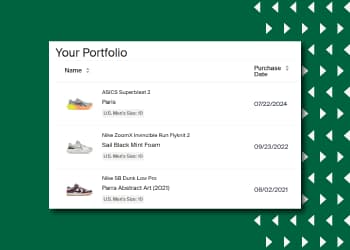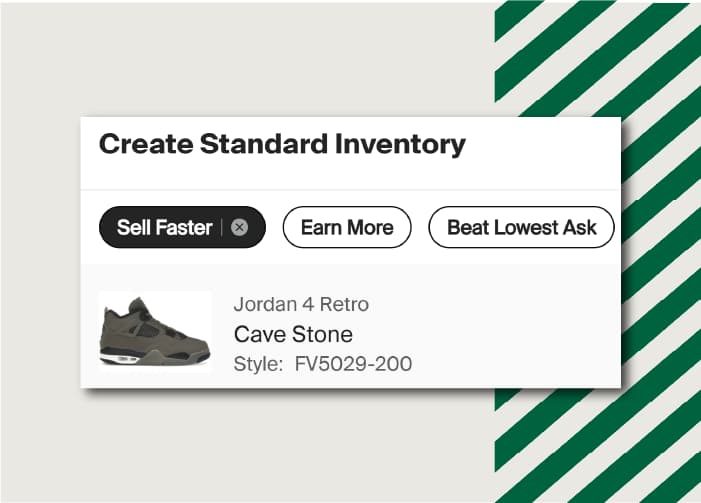



We heard your feedback, and one of our most requested seller features is finally here: Cross-Category Bulk Shipping.
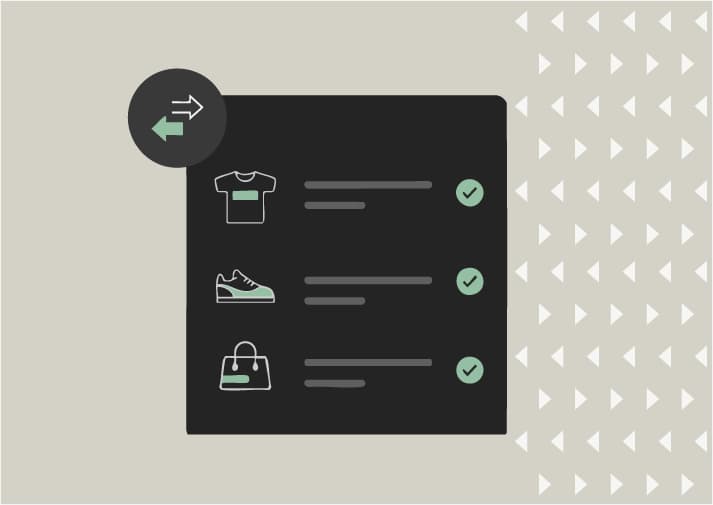
Sellers in eligible regions can now ship items from different categories together in one box to StockX for Verification. Please note: electronics are not eligible for Bulk Shipping.
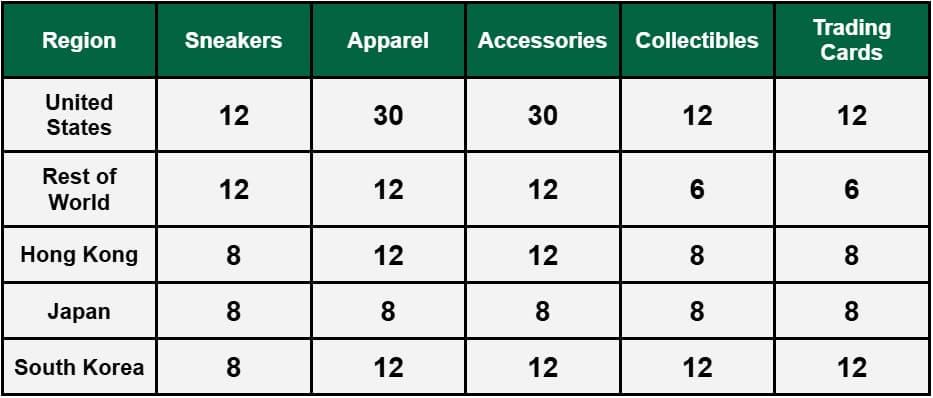
Ship any combination of items, as long as the total number of items in the bulk shipment does not exceed the category with the lowest maximum allowable items.
For example, if you want to ship Sneakers and Accessories together from the United States, you can ship any combination of up to 12 items total, as the category with the lowest max number of items is 12 (Sneakers). See the table below for maximum allowable items for each category by region:
How to Bulk Ship
- Once your items are sold, visit the account tab, go to the Selling page, select Pending, and choose the items you’d like to ship together.
- Select “Box Items” at the bottom of the screen, and confirm you have the correct items selected for your Bulk Shipment.
- Select “Create Shipment” to generate a shipping label. You will see your Bulk Shipment with your items in the Pending section, where you can View or Print Label.
- Select “Print Label” and follow the Bulk Shipping instructions.
Additional Details
- Each invoice MUST be placed inside the packaging or affixed to each corresponding order.
- Sold items must still be shipped within 2 business days, whether they are shipped in bulk or individually.
- Remember to keep your drop receipt from your shipping carrier! This helps us follow up on any issues with your shipment.
For additional information, including Bulk Shipping costs, the number of sales allowed per shipment, and eligible regions, visit our Help Center.